Available courses

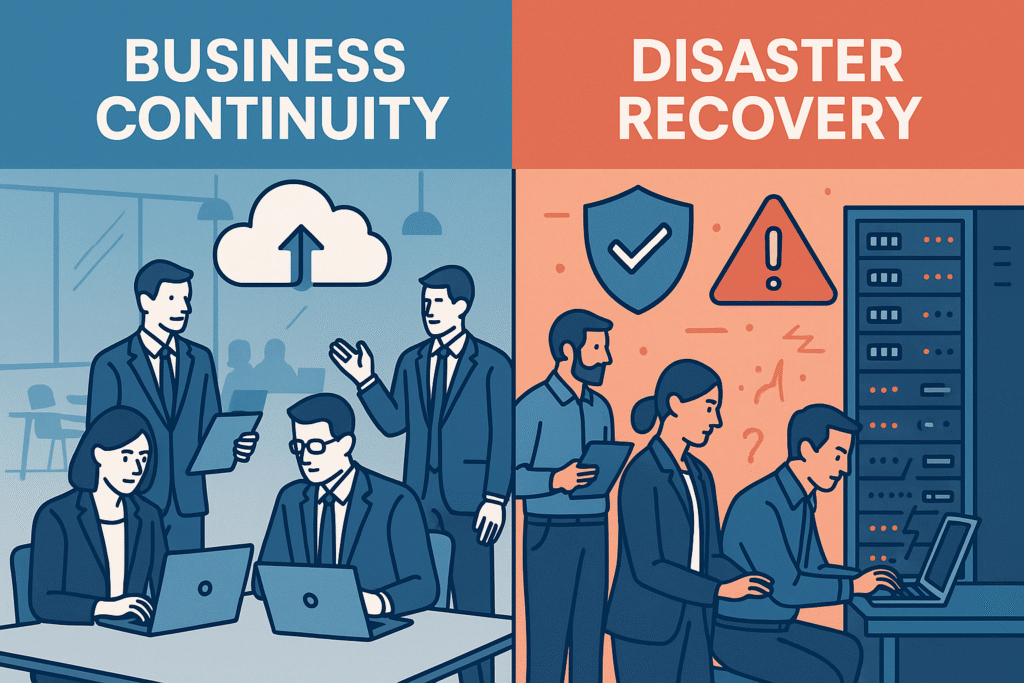
IT Disaster Recovery and Business Continuity Awareness refer to the organization’s preparedness to respond to unexpected events such as system failures, cyberattacks, natural disasters, or data loss. Disaster recovery focuses on restoring IT systems and data quickly, while business continuity ensures essential operations can continue with minimal disruption. Employees should understand basic recovery procedures, follow emergency guidelines, and support continuity plans to help maintain business stability during incidents.

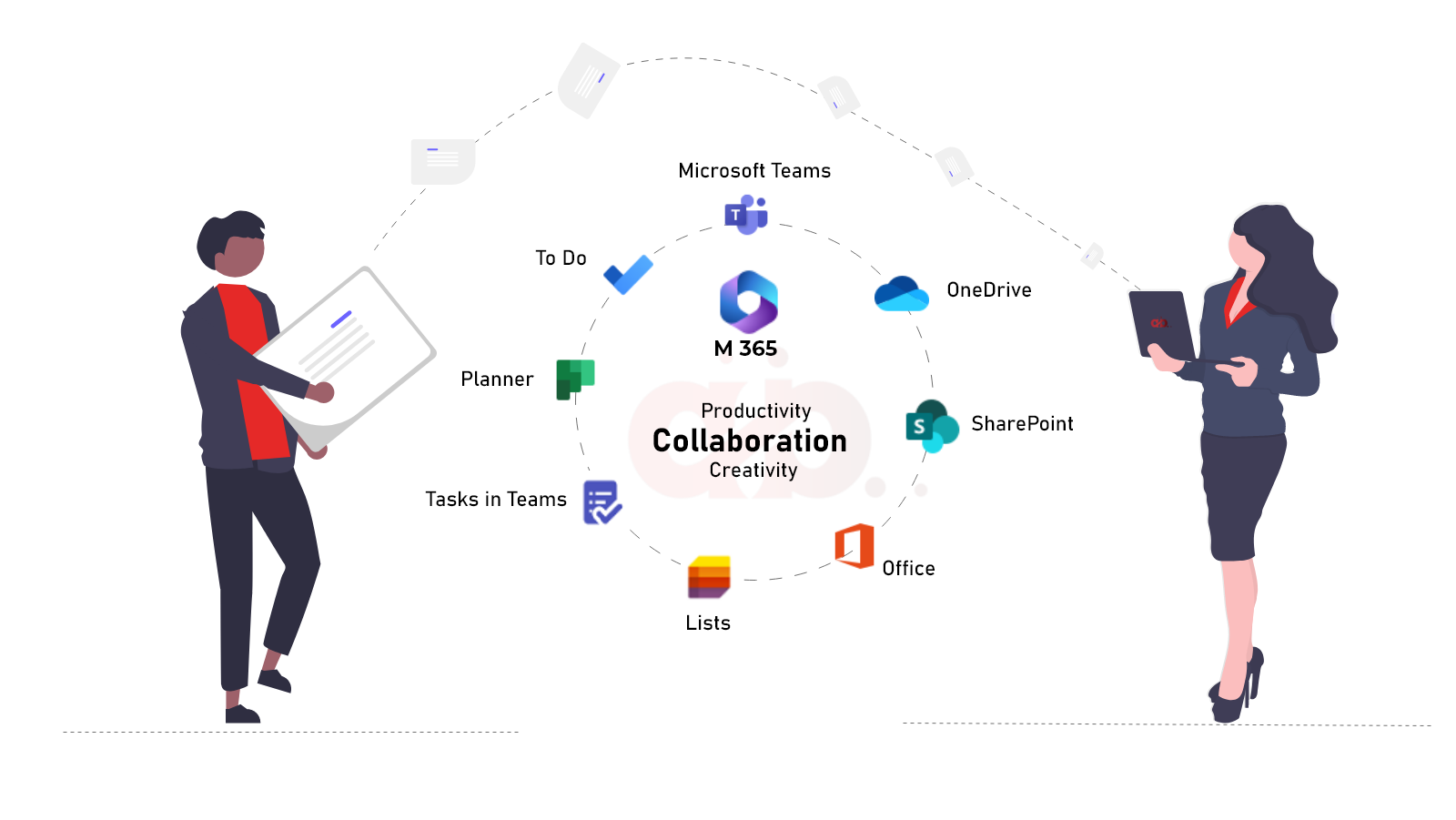
Collaboration and Team Communication Best Practices involve using digital communication and teamwork tools effectively, professionally, and respectfully within the workplace. Employees should communicate clearly, share information responsibly, respond promptly, and use approved collaboration platforms for meetings, messaging, and file sharing. Following these practices improves teamwork, productivity, and coordination while maintaining a positive and secure working environment.

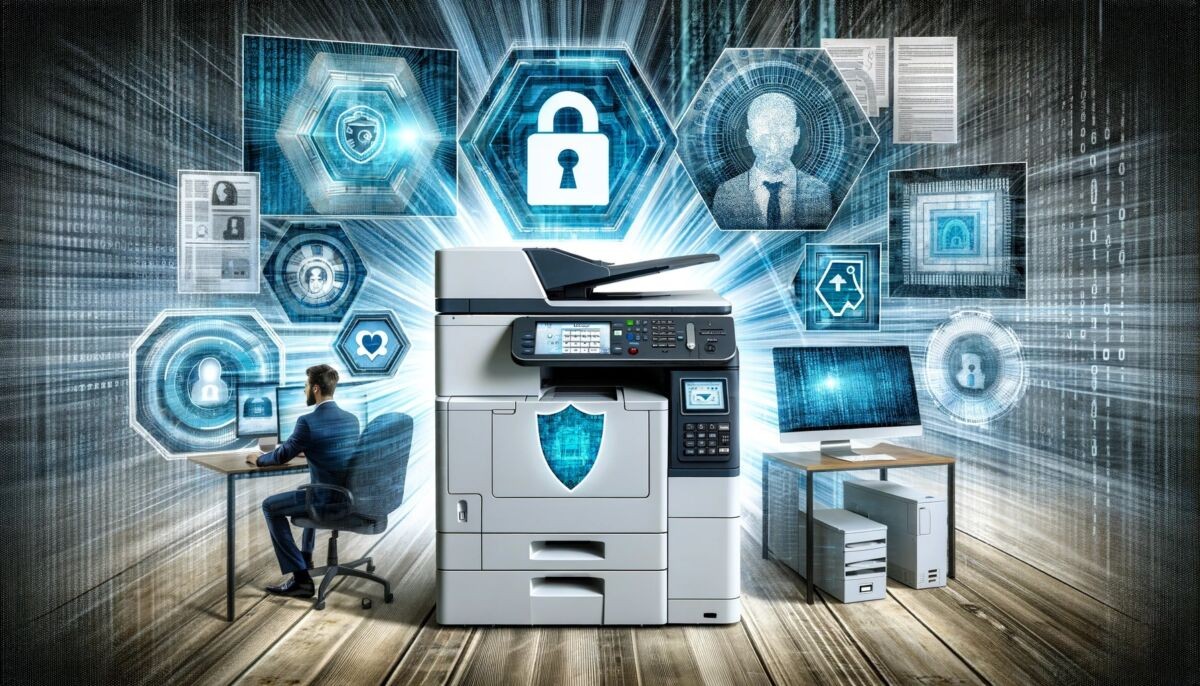
Secure Printing and Document Handling refers to the safe management of printed and digital documents containing company or customer information. Employees should collect printed documents immediately, avoid leaving sensitive papers unattended, and use secure printers when handling confidential materials. Proper storage, sharing, and disposal of documents help prevent unauthorized access, information leaks, and data security risks within the organization.

Endpoint Protection and Antivirus Awareness focus on protecting company devices such as laptops, desktops, and mobile phones from cyber threats like viruses, malware, and ransomware. Employees should ensure antivirus software is installed, updated regularly, and active at all times. Endpoint protection tools help detect, prevent, and respond to security threats, reducing the risk of data loss and maintaining the security of the organization’s IT systems.

Understanding Company Network and WiFi Usage refers to the proper and secure use of the organization’s internet and network systems. Employees should connect only to approved company WiFi or network services, avoid using unsecured public networks for work activities, and follow authentication requirements such as login credentials or VPN access when needed. This ensures secure data transmission, protects sensitive information, and maintains reliable network performance across the organization.

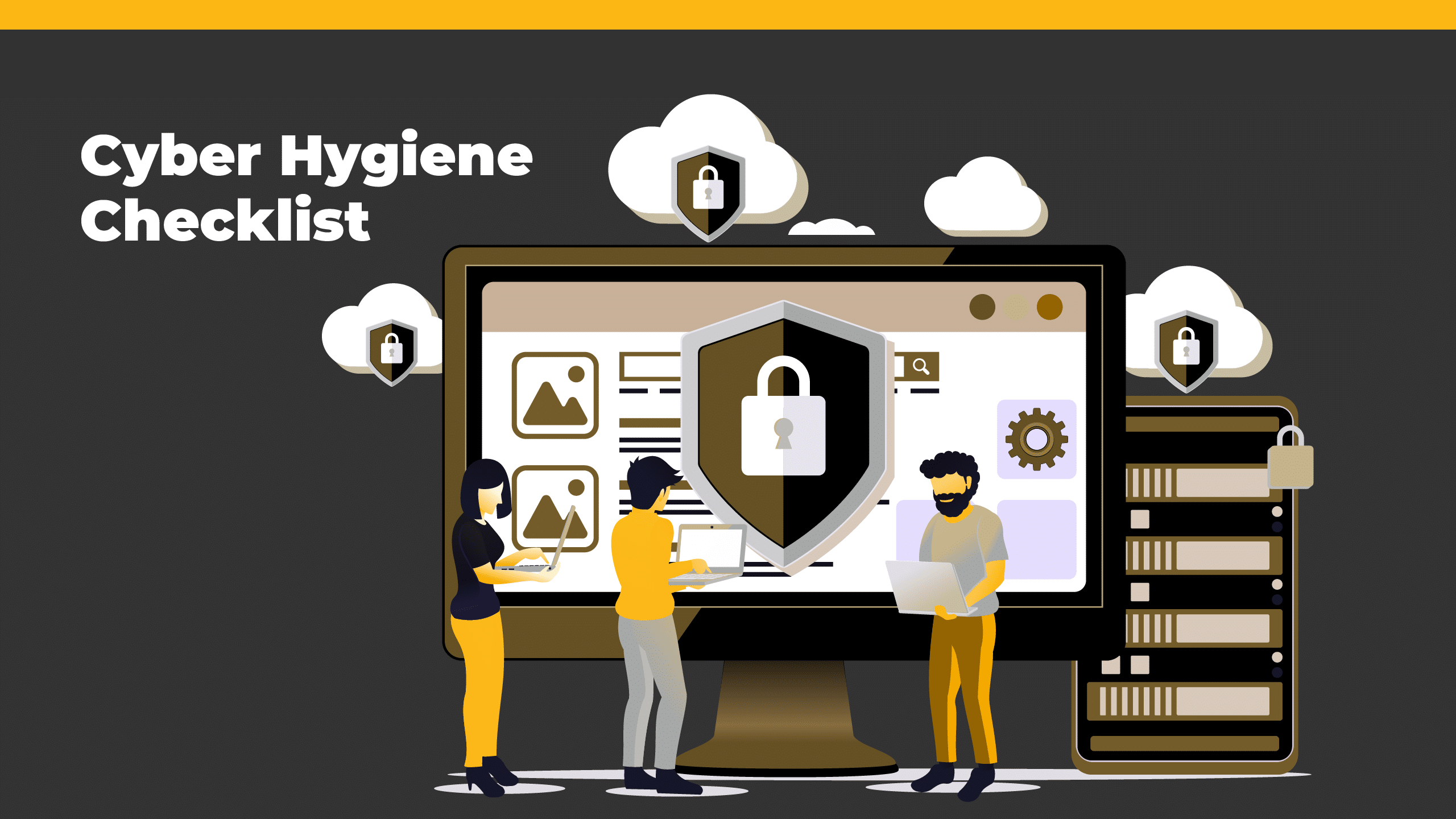
Cyber Hygiene and Daily Security Practices refer to the routine habits employees follow to keep company systems and data secure. This includes regularly updating software, using strong and unique passwords, locking devices when not in use, avoiding suspicious links or downloads, and being cautious with emails and online activity. Practicing good cyber hygiene helps reduce security risks and protects the organization from cyber threats and data breaches.

Digital Workplace Productivity Essentials refer to the key tools, skills, and practices that help employees work efficiently in a modern digital environment. This includes using office applications, collaboration platforms, cloud storage, and task management tools to organize work, communicate effectively, and manage time. By applying these essentials, employees can improve productivity, reduce errors, and complete tasks more efficiently in the workplace.

Secure Video Conferencing and Online Meetings refers to the safe and professional use of virtual meeting platforms for communication and collaboration. Employees should use approved applications, set strong meeting passwords, enable waiting rooms or participant controls, and avoid sharing meeting links publicly. These practices help prevent unauthorized access, protect confidential discussions, and ensure meetings are conducted securely and efficiently.

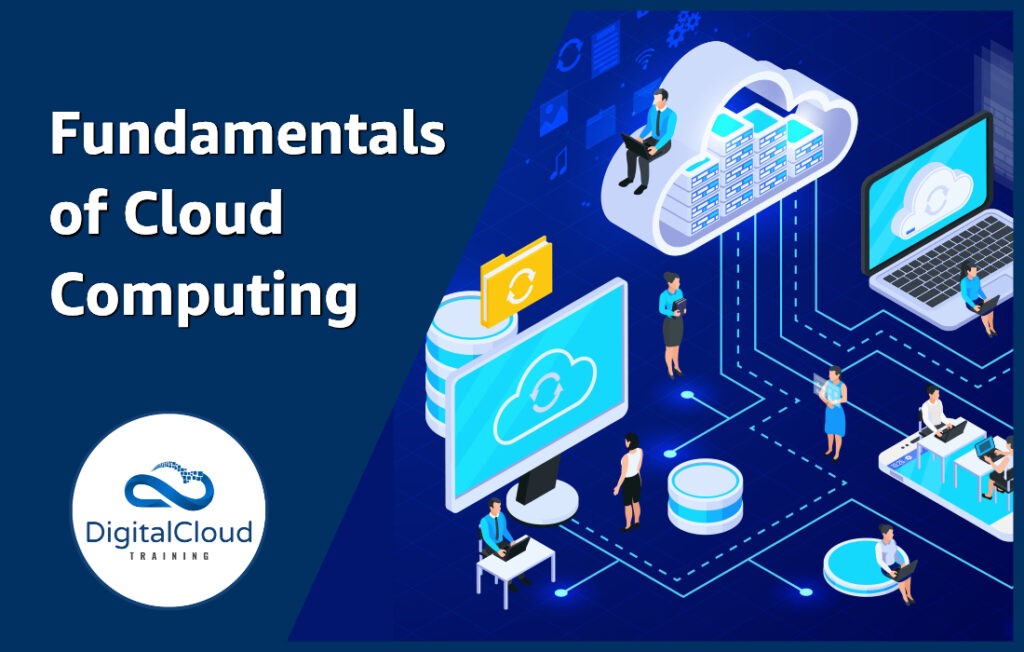
Cloud Computing Fundamentals for Employees introduces the basic concepts of using cloud-based services to store, manage, and access data and applications over the internet. It allows employees to work from anywhere, collaborate in real time, and reduce reliance on local storage. Common cloud tools include file storage, online productivity applications, and shared workspaces, all of which improve flexibility, efficiency, and scalability within the organization.

Social Engineering and Scam Awareness focuses on helping employees recognize and avoid manipulation tactics used by attackers to gain unauthorized access to information. These scams often involve phishing emails, fake phone calls, or messages that trick individuals into revealing passwords, financial details, or sensitive company data. By staying alert, verifying identities, and following security procedures, employees can prevent fraud and protect the organization from security breaches.

Employee IT Responsibility and Best Practices refer to the duties of staff in using company technology safely, efficiently, and ethically. Employees are responsible for protecting company data, following IT policies, using systems only for authorized purposes, and reporting any security issues promptly. Best practices include using strong passwords, avoiding suspicious links, keeping software updated, and handling information carefully to support a secure and productive IT environment.

IT Compliance, Governance, and Digital Ethics refer to the principles and rules that ensure all technology use within an organization is legal, secure, and responsible. IT compliance involves following company policies, industry standards, and data protection laws. Governance ensures proper management and control of IT systems and resources, while digital ethics focuses on using technology honestly, respectfully, and responsibly. Together, they help maintain trust, security, and accountability in the organization’s digital environment.

Artificial Intelligence (AI) Tools Usage and Governance refers to the responsible and controlled use of AI technologies within the organization. Employees are expected to use approved AI tools for productivity and decision support while following company policies on data privacy, accuracy, and ethical use. Governance guidelines ensure that AI is used transparently, securely, and in compliance with regulations, preventing misuse, bias, and unauthorized sharing of sensitive information.

Backup Awareness and Data Recovery Basics refer to the importance of regularly saving and protecting company data to prevent loss due to system failure, human error, or cyber incidents. Employees should understand that backups are automatically or manually stored in secure locations such as cloud systems or servers. In the event of data loss, recovery procedures help restore files and systems quickly, ensuring business continuity and minimizing disruption to daily operations.

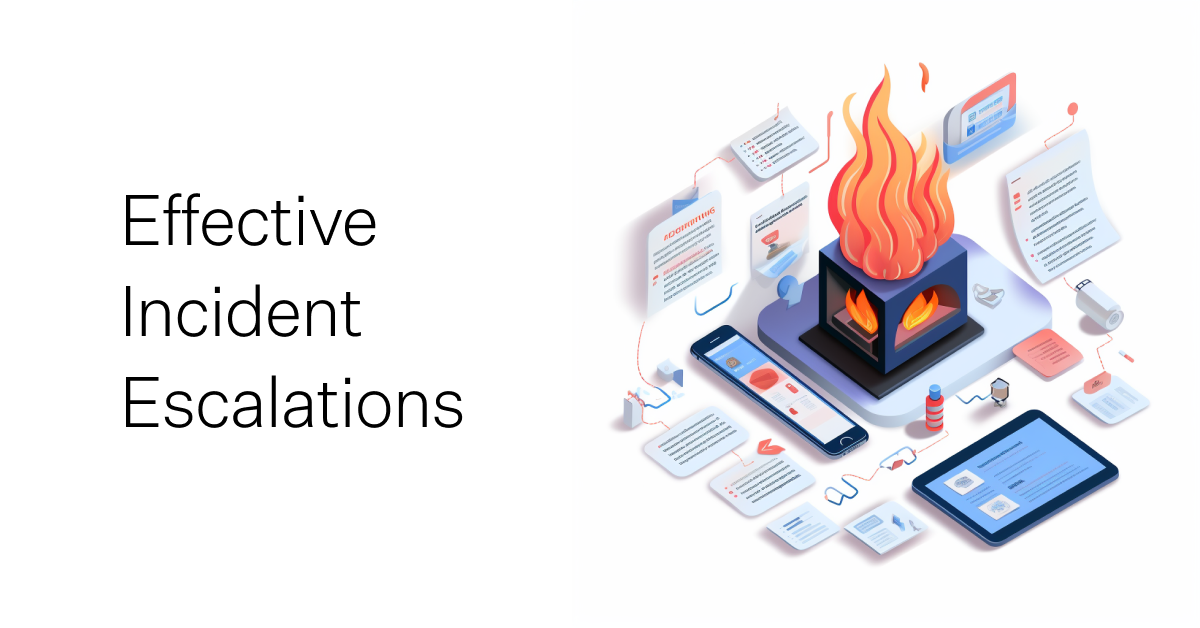
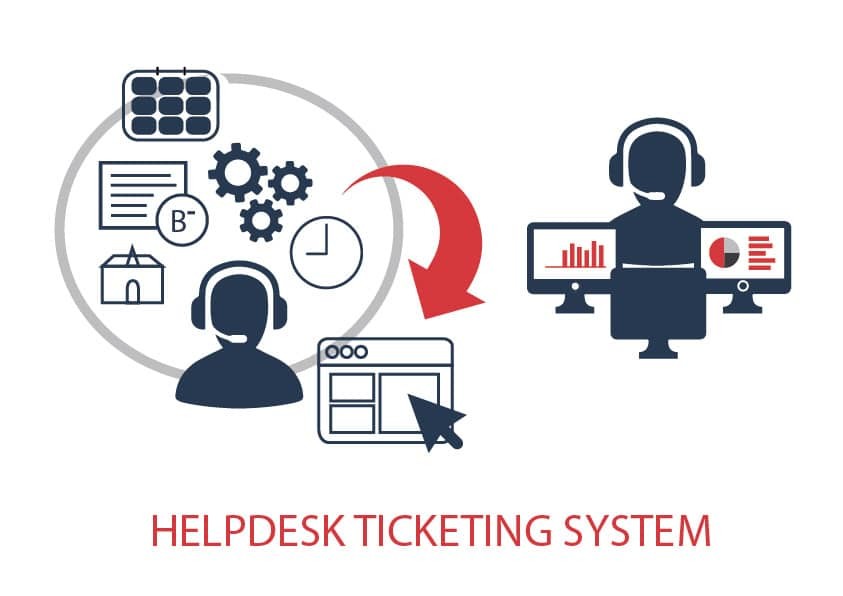
Incident Reporting and IT Escalation Procedures define how employees should report IT-related issues and security incidents in a structured and timely manner. When a problem occurs—such as system downtime, data breaches, or suspicious activity—employees must immediately report it through the official helpdesk or incident reporting system. If the issue cannot be resolved at the first support level, it is escalated to higher IT support teams for further investigation and resolution. This process ensures quick response, minimizes business disruption, and strengthens overall IT security.

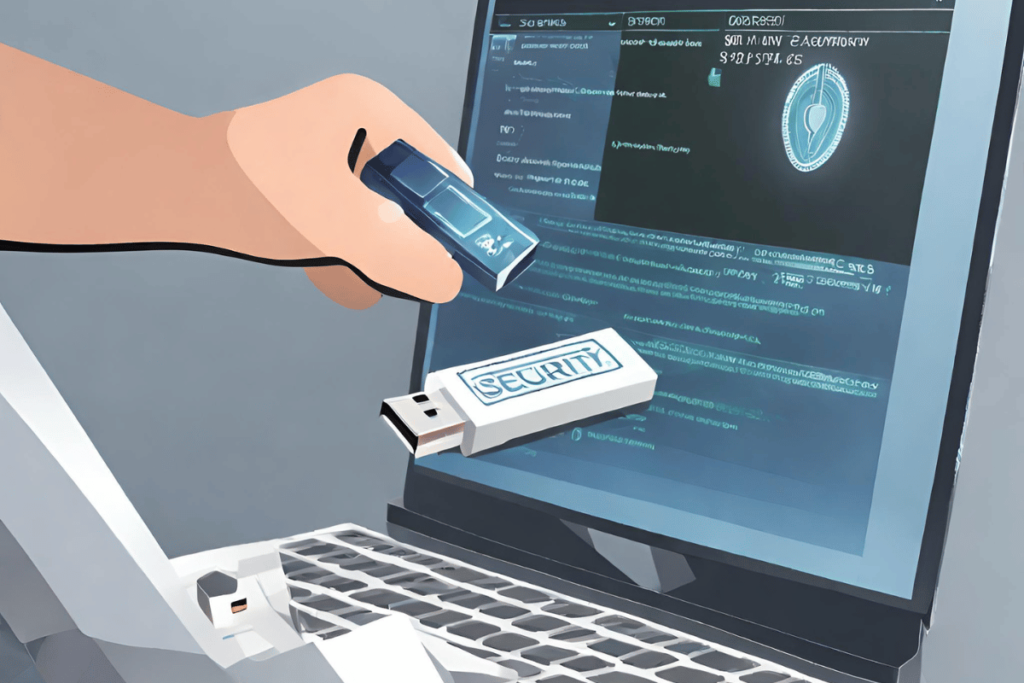
Secure Use of USB Devices and External Storage refers to the safe handling of removable storage devices such as USB drives, external hard disks, and memory cards within the workplace. Employees must only use approved devices, avoid transferring sensitive data without authorization, and scan all external storage for malware before use. These precautions help prevent data leaks, virus infections, and unauthorized access to company information, ensuring overall system security.

Introduction to Company Business Applications covers the essential software systems used to support daily business operations and decision-making. These applications may include tools for finance, human resources, customer relationship management (CRM), inventory, and project management. They help automate processes, improve efficiency, and ensure accurate data handling across departments, enabling the organization to operate more effectively and achieve its business goals.

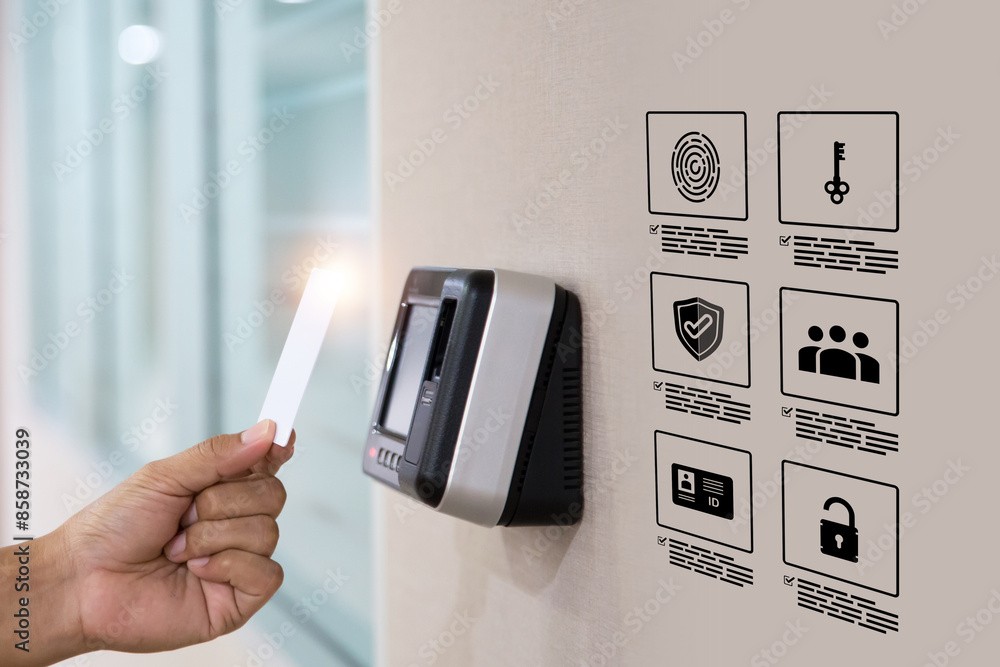
Physical Security and Access Card Management refers to the protection of company facilities and physical resources through controlled entry systems and security measures. Employees are issued access cards to enter authorized areas and must use them responsibly, ensuring they are not shared or misused. This helps prevent unauthorized access, protects sensitive equipment and data, and maintains a safe working environment for all staff within the organization.

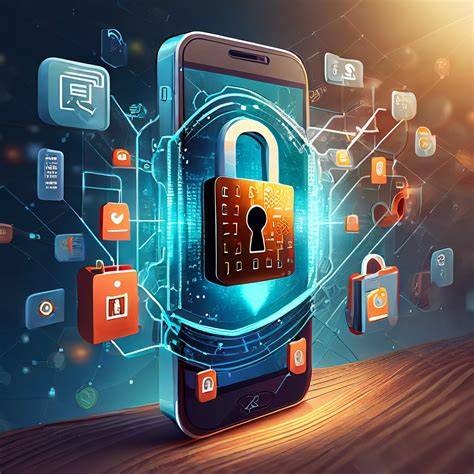
Device Security and Mobile Computing Guidelines outline the safe and responsible use of company-issued devices such as laptops, smartphones, and tablets. Employees are required to keep devices protected with passwords or biometric authentication, install updates regularly, and avoid downloading untrusted applications. When using mobile devices for work, they should ensure secure connections and prevent unauthorized access to company data, helping to maintain overall cybersecurity and protect business information.

Data Privacy and Confidential Information Handling refers to the policies and practices used to protect sensitive company and customer information. Employees must ensure that personal, financial, and business data is accessed only by authorized personnel and used for legitimate work purposes. Proper handling includes secure storage, controlled sharing, and compliance with data protection laws and company policies to prevent data leaks, misuse, or unauthorized access.

Helpdesk Support and IT Ticketing Procedures explain how employees can report and resolve technical issues within the company’s IT system. When problems occur, such as software errors, login issues, or hardware malfunctions, employees should submit a ticket through the official helpdesk system with clear details of the issue. The IT support team then prioritizes and resolves requests efficiently, ensuring minimal disruption to work and maintaining smooth business operations.

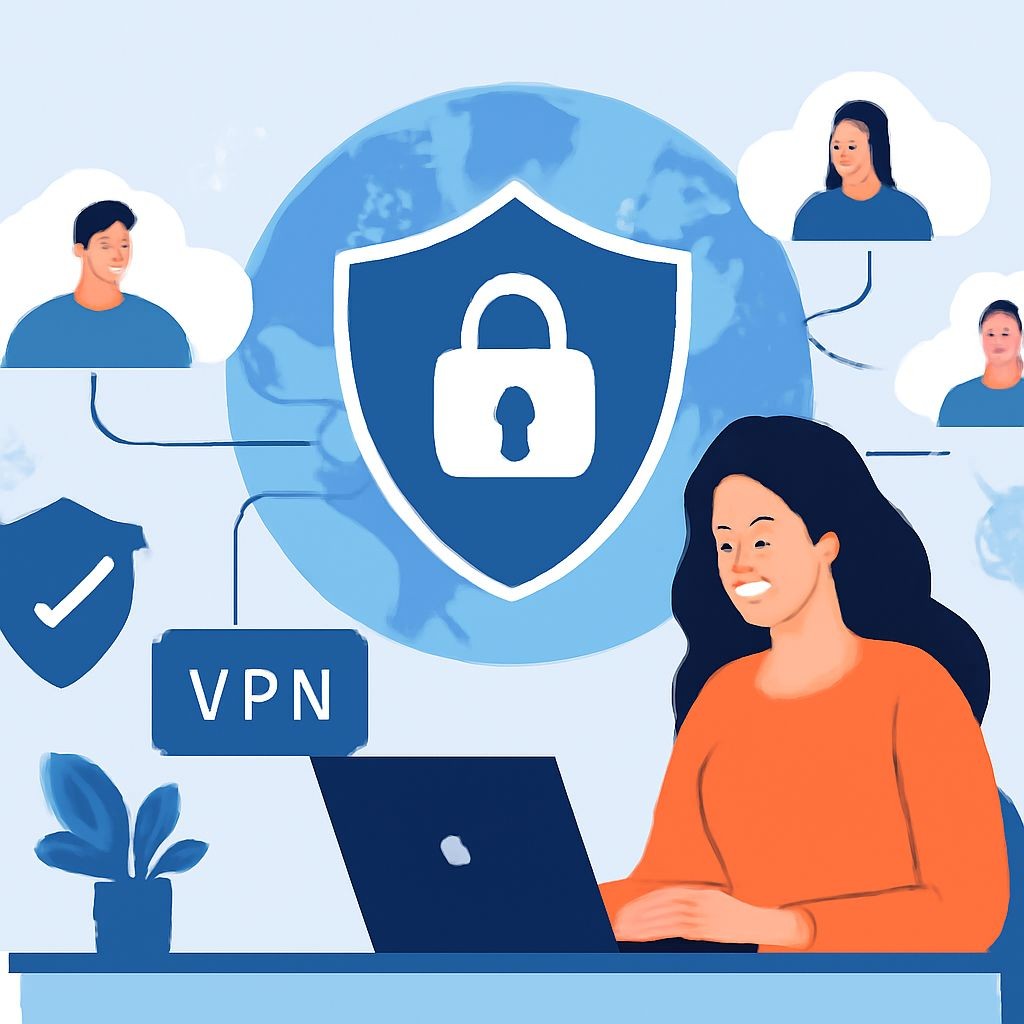
Remote Work and VPN Security Practices focus on ensuring employees can safely access company systems when working outside the office. A Virtual Private Network (VPN) is used to create a secure, encrypted connection between the employee’s device and the company network, protecting sensitive data from unauthorized access. Employees are expected to use secure Wi-Fi, avoid public networks when possible, keep devices updated, and follow company security guidelines to maintain data protection while working remotely.

File Sharing, Cloud Storage, and Data Management refer to the secure handling, storing, and sharing of digital files within the company’s IT systems. Employees are expected to use approved cloud platforms to store documents, ensure proper access permissions when sharing files, and organize data in a structured manner. This helps maintain data security, prevents unauthorized access, and ensures important information is easily accessible, backed up, and managed efficiently across the organization.

Microsoft 365 and Collaboration Tools Basics introduce employees to the essential digital tools used for productivity and teamwork in the workplace. This includes applications such as Outlook for email, Teams for communication and meetings, OneDrive for cloud storage, and Word, Excel, and PowerPoint for document creation. These tools enable efficient collaboration, real-time sharing of files, and improved workflow management, helping employees work together effectively from any location.

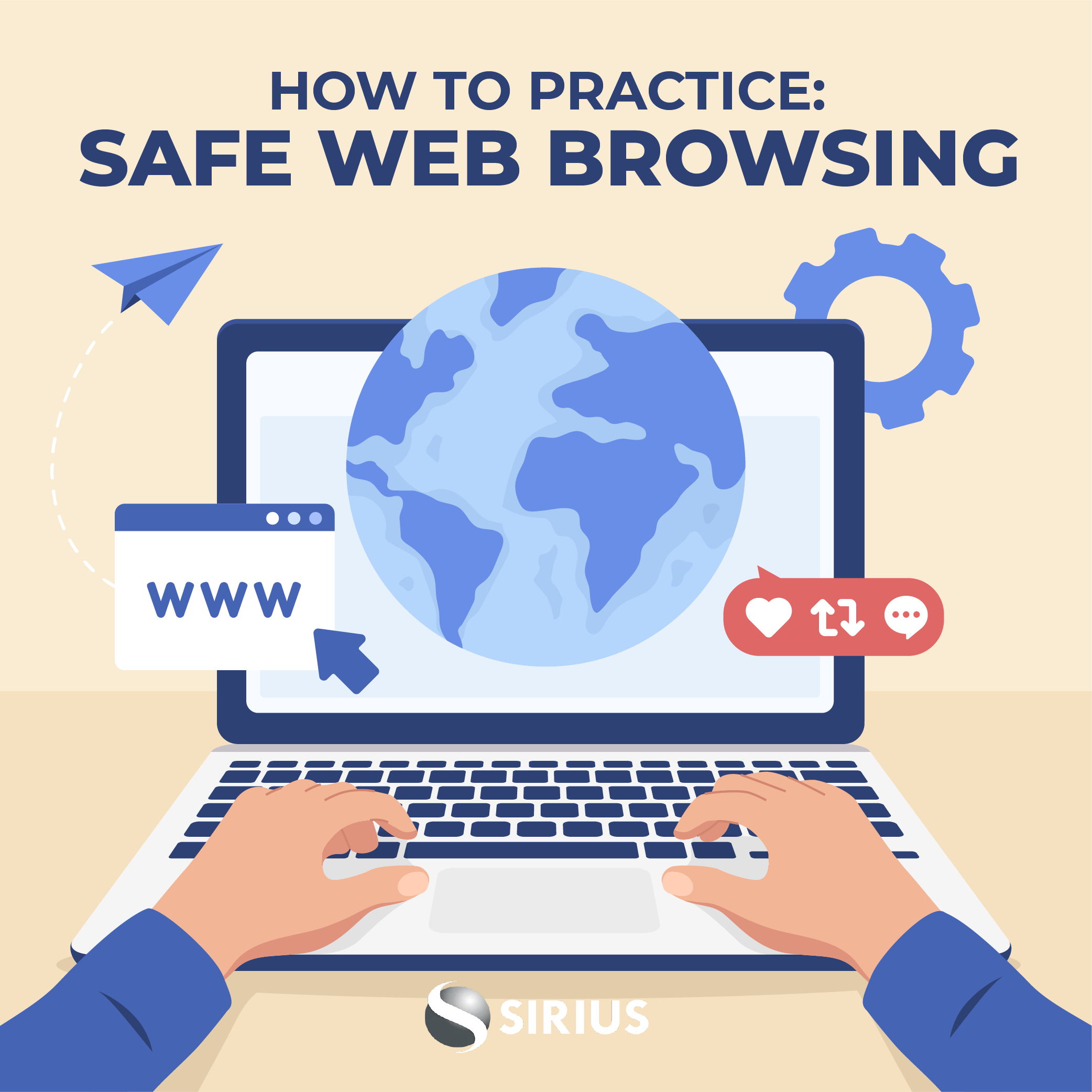
Safe Internet Browsing and Phishing Prevention involves following secure online practices to protect company systems and sensitive information from cyber threats. Employees should only visit trusted websites, avoid downloading unknown files, and be cautious when clicking links. It also includes identifying phishing attempts such as fake emails or messages that try to steal login credentials or personal data. By staying alert and following security guidelines, employees help reduce the risk of malware infections and data breaches.

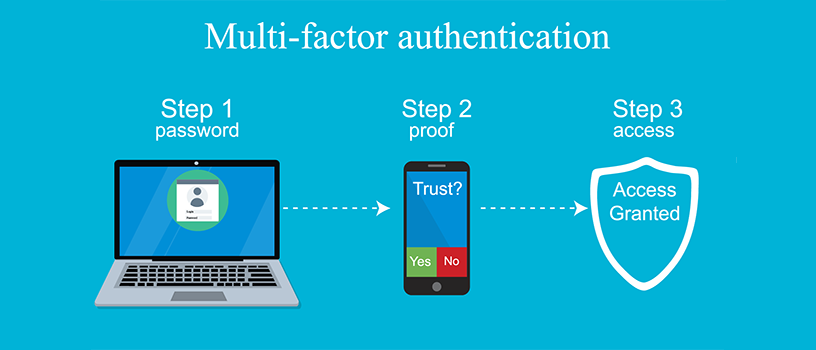
Password Management and Multi-Factor Authentication (MFA) are essential security practices used to protect company accounts and systems from unauthorized access. Employees are required to create strong, unique passwords, update them regularly, and avoid sharing them with others. MFA adds an extra layer of security by requiring a second verification step, such as a code sent to a phone or authentication app, helping to significantly reduce the risk of cyberattacks and data breaches.
Email and Communication System Usage refers to the proper and secure use of the company’s email, messaging, and collaboration tools for business communication. Employees are expected to use official communication channels for work-related matters, maintain professionalism in messages, avoid sharing sensitive information with unauthorized parties, and follow company guidelines to ensure clear, efficient, and secure communication within and outside the organization.
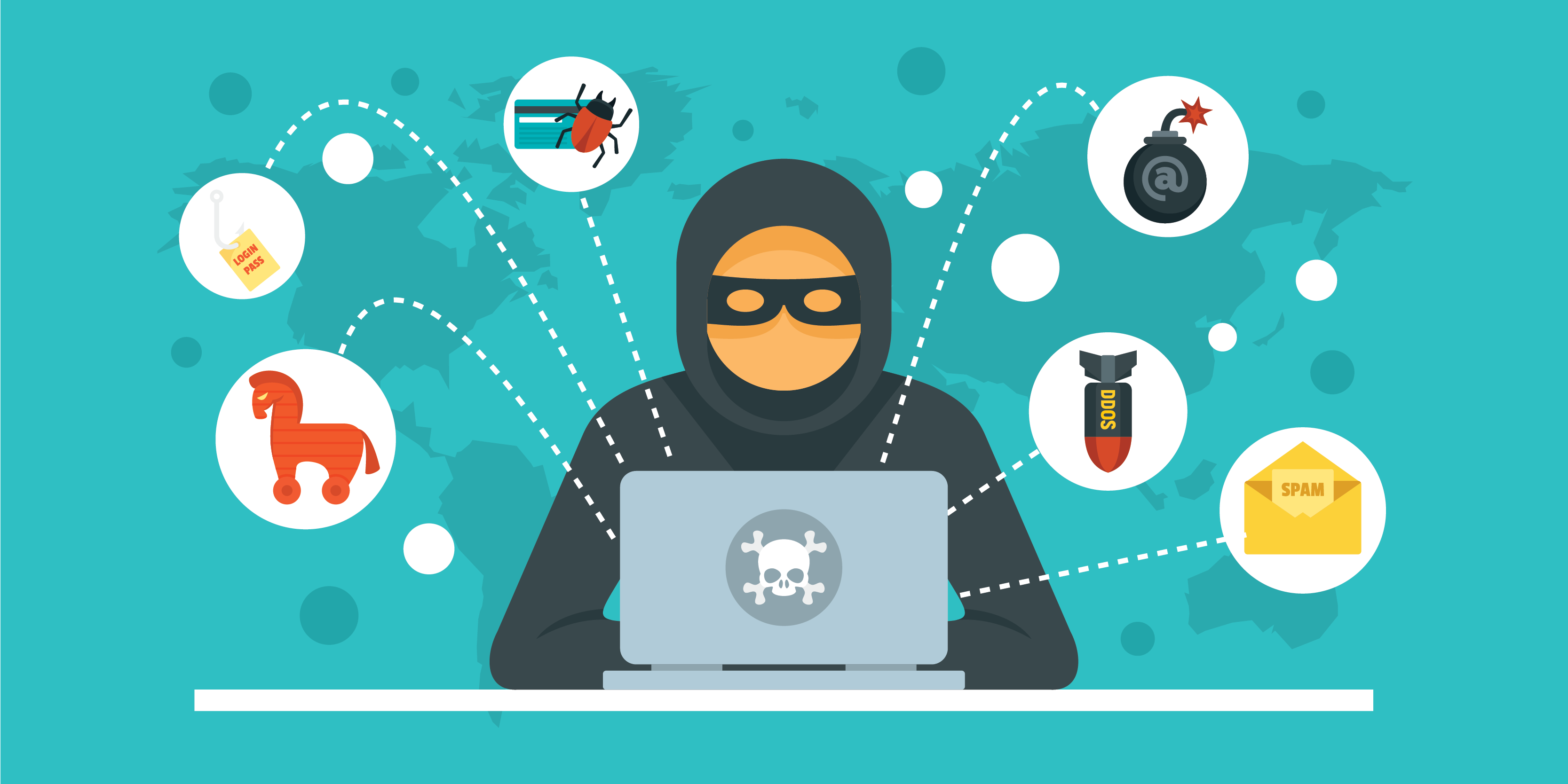
Cybersecurity Awareness for Employees focuses on educating staff about online security risks and safe digital practices within the workplace. It helps employees recognize threats such as phishing emails, malware, weak passwords, and data breaches while encouraging responsible use of company systems and information. Regular awareness training strengthens the organization’s security by reducing human errors and promoting a culture of cybersecurity responsibility.

The company’s IT Policies and Acceptable Use Guidelines are established to ensure the secure, ethical, and responsible use of technology resources within the organization. These guidelines outline rules for using company devices, internet access, email systems, software, and data management. Employees are expected to protect confidential information, avoid unauthorized access or harmful activities, and comply with cybersecurity practices to maintain a safe and productive IT environment.

The company’s IT environment consists of the hardware, software, network systems, and digital tools used to support daily business operations and communication. It includes computers, servers, internet connectivity, databases, cloud services, and cybersecurity measures that help employees work efficiently, manage data securely, and improve overall productivity within the organization.

Cybersecurity Awareness Training equips employees with the knowledge and practical skills to recognize, prevent, and respond to common cyber threats such as phishing, malware, password attacks, and social engineering. The training promotes safe digital practices, strengthens organizational security, and helps reduce the risk of data breaches and cyber incidents.

IT Policy & Acceptable Use Policy defines the rules and guidelines for the proper use of an organization’s IT systems, networks, devices, and digital resources. It helps ensure security, compliance, and responsible usage by outlining user responsibilities, prohibited activities, data protection practices, and acceptable access to company technology.

Programs and practices that support employees’ physical, emotional, and mental well-being in the workplace. It focuses on promoting a healthy work-life balance, reducing stress, and creating awareness about mental health support and resources to improve overall productivity and morale.

Opportunities and resources provided to employees to improve their skills, gain new knowledge, and grow professionally. It includes training programs, workshops, mentorship, and career progression paths that support continuous learning and long-term career success.

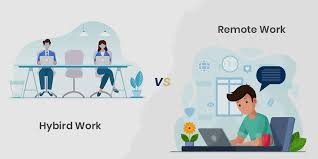
Guidelines outlining how employees should effectively work outside the office, including expectations for communication, productivity, availability, and data security in both remote and hybrid work arrangements. It ensures consistency, accountability, and smooth collaboration between in-office and remote team members.

Completed Customer Service Excellence Fundamentals training covering effective communication, handling customer inquiries, problem-solving skills, professionalism, customer satisfaction strategies, and delivering high-quality service experiences.


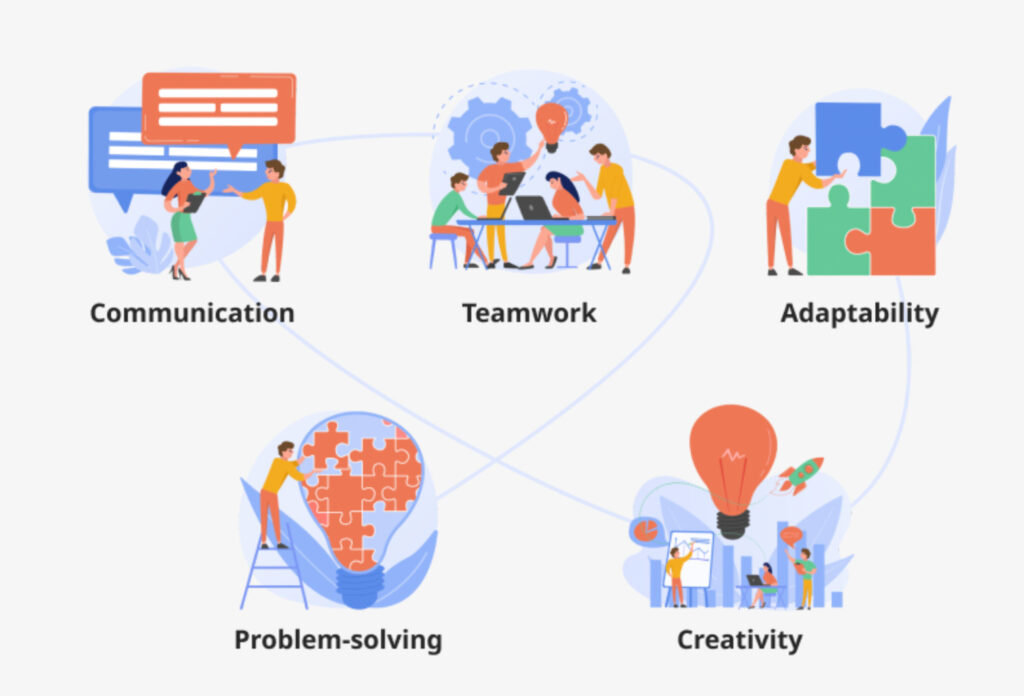
Skills that enable individuals to work effectively with others by communicating clearly, sharing responsibilities, respecting diverse ideas, and contributing to common goals. It helps improve productivity, problem-solving, and overall team performance in a workplace or group setting.


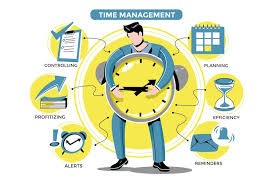
Completed Time Management & Workplace Productivity training covering prioritization techniques, effective scheduling, task organization, goal setting, minimizing distractions, and improving efficiency to enhance overall workplace performance.

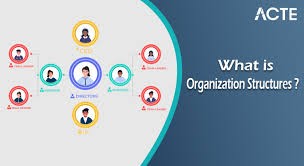
Completed Introduction to Organizational Structure & Departments training covering company hierarchy, departmental roles and responsibilities, reporting lines, and how different teams collaborate to achieve organizational goals.

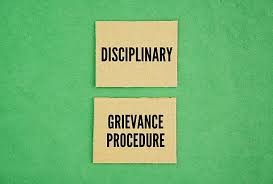
Completed Workplace Discipline & Grievance Procedures training covering disciplinary processes, employee rights, complaint handling, conflict resolution mechanisms, and fair investigation procedures in accordance with organizational policies.

Completed Performance Management & KPI Introduction training covering goal setting, key performance indicators (KPIs), performance tracking, feedback processes, and aligning individual performance with organizational objectives.

Completed Communication & Professional Workplace Behavior training covering effective communication skills, email and meeting etiquette, teamwork, conflict management, and maintaining professionalism in all workplace interactions.

Completed Cybersecurity Awareness for Employees training covering safe online practices, phishing awareness, password security, data protection, malware prevention, and following organizational cybersecurity policies to protect company systems and information.


Completed HR Policies & Employee Handbook Orientation covering key organizational policies, employee rights and responsibilities, workplace rules, disciplinary procedures, and overall guidelines for professional conduct within the company.

Completed training on Attendance, Leave & Working Hours Policy covering punctuality expectations, leave application procedures, working hour guidelines, overtime rules, and maintaining proper attendance records in accordance with company policy.

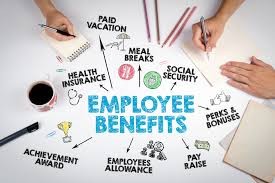
Completed Employee Benefits & Compensation Overview training covering salary structure, allowances, performance incentives, statutory benefits, leave entitlements, and understanding total rewards within the organization.

Completed Diversity, Equity & Inclusion (DEI) Awareness training covering inclusive workplace practices, cultural sensitivity, equal opportunity principles, bias awareness, and fostering respect and belonging for all employees.

Completed Anti-Harassment & Respectful Workplace Training covering prevention of workplace harassment, discrimination awareness, respectful communication, reporting procedures, and promoting an inclusive and safe working environment for all employees.

Completed training on Data Privacy & Confidentiality in the Workplace covering protection of sensitive information, proper data handling practices, confidentiality obligations, cybersecurity awareness, and compliance with organizational data protection policies.

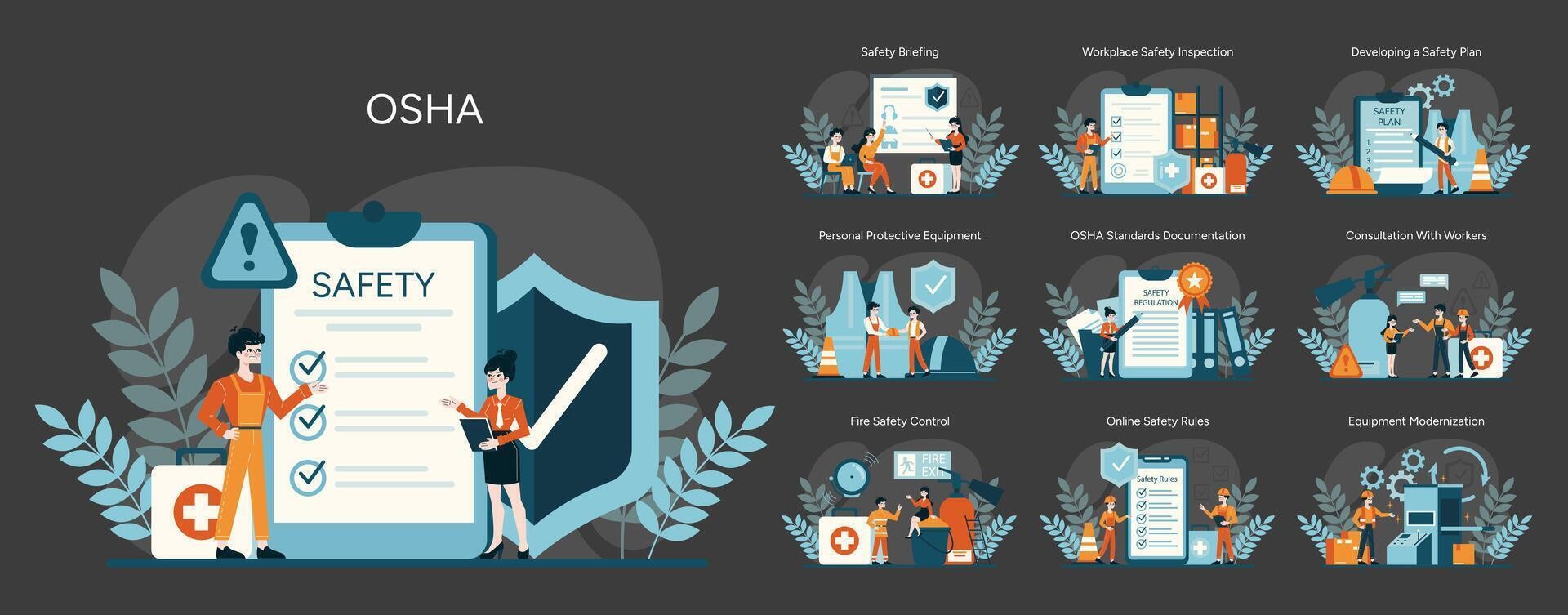
Completed training on Workplace Health, Safety & Emergency Procedures, covering hazard awareness, safety regulations, emergency response protocols, evacuation procedures, and maintaining a safe and compliant working environment.

Completed training on Employee Code of Conduct & Workplace Ethics, covering professional behavior, integrity, workplace policies, respect and accountability, ethical decision-making, and maintaining a positive and compliant work environment.

Completed an Introduction to Company Culture & Values course focused on workplace ethics, organizational mission and vision, teamwork, communication, professionalism, and fostering a positive work environment.